Posts
-
"Patch Monday" podcast: "Twitter mimics Facebook, kills own ecosystem"

At the risk of flooding this poor blog with content, I was on Stilgherrian's "Patch Monday" podcast with @kcarruthers and @leslienassar discussing the recent changes to the Twitter API. Check out the full post and podcast on ZDNet:
-
Cross one off the geek bucket list: My linux.conf.au talk
It goes without saying that the organisers, volunteers, room monitors and AV people did an amazing job but I need to say it - they did an amazing job! (How good are the talk recordings?!)
-
Can Australia get an open Open Data Catalogue?
I read over at Craig Thomler's eGov AU blog that Brisbane City Council has launched their own open data catalogue site. Great news, right? Not entirely.
Unfortunately it appears to be yet another Australian site reinventing the open-data-catalogue-wheel. So far we have:
- data.gov.au: custom Wordpress site
- data.brisbane.qld.gov.au: custom Wordpress site
- data.nsw.gov.au: custom PHP (Drupal?) site
- data.mosman.nsw.gov.au: custom proprietary site
- data.vic.gov.au: custom proprietary site
Open Source Data Catalogues
How come none are using and contributing to an open source data catalogue like CKAN or Open Data Catalog? These projects are so much more advanced than the sites that have been deployed in Australia and it's no wonder - CKAN's maturity is because it has been developed for over four years.
Not only that but using an open source open data catalogue simply means it's cheaper for Australian governments to provide these services. If data.gov.au had used and contributed to an open source data catalogue we'd probably have had the vast majority of Australian local customisations done (if any were needed) and subsequent catalogues by Victoria, NSW and now councils would border on trivial to set up and deploy.
Doing It Right
The open source catalogues I mention above also get some key things right that Australian sites deployed so far don't - namely open and public data requests and an API (oh the irony of open data catalogues not having
a goodany API!).Open and public requests are critical and would highlight the lacklustre data released to date in Australia. The Brisbane catalogue mentioned above is a prime example, there's a clear and demonstrable need for development application data to be opened and freed but it hasn't been chosen as one of the items to be included in the data that launched with the site. If there was a way for data developers to make public requests and not a glorified contact form we might see this data opened at some stage. As it stands, and while there's a scraper gathering the data that simply ignores the onerous conditions, I doubt we'll see this.
How do we fix it?
However there's no point in moaning without suggesting a way to fix things. One way the open data community in Australia could promote the use more advanced open source data catalogues would be to simply set up our own one. A system like CKAN can slurp in data from all of the existing catalogues, thereby providing a comprehensive centralised source of all Australian open data (not just one level of government and not just community projects like OpenAustralia). This would also provide an API to that data and a central place where everyone can log requests for open data and track what data is really in demand by open data hackers in Australia.
Maybe someone should take this on as a project for #odhd? ;)
-
Daily Paper: Better online news for Australia?
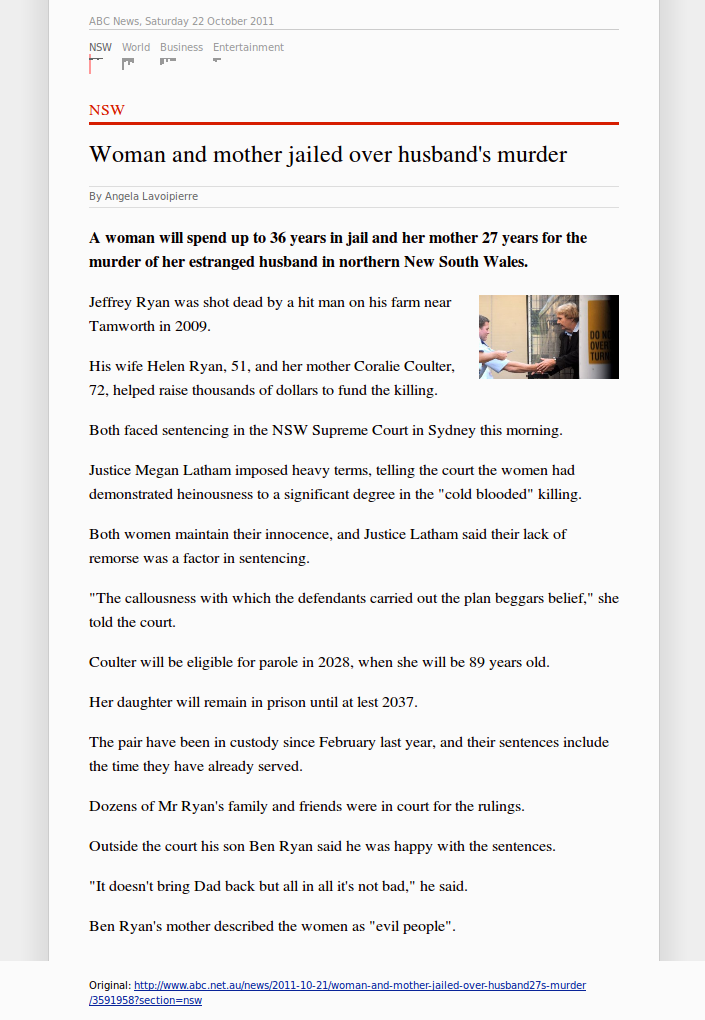
tl;dr I made an Australian version of Phil Gyford's Today's Guardian because I was fed up with Australian online news. I'm not sure it solves my problem but I'm interested to hear what you think of Daily Paper and online news in general.
The problem
To get my regular news many years ago I used to visit SMH.com.au every few hours and see what was happening in the world. This worked well for a number of years until SMH started to dramatically decline in quality compared to the print version of the Sydney Morning Herald. This decline appears to have been driven by the analytics that Fairfax was getting on news stories based on more bored office workers reading salacious stories instead what I'd consider more useful journalism (some top stories on the SMH front page as I write this are "Suds to the blokes" and "France's femme fatale").
As my use of RSS grew, I sought out a different approach to getting my news and set up hand-picked RSS feeds from the ABC. Once again this worked well for a few years until a couple of months ago the ABC updated their RSS feeds and inexplicably changed all of the URLs to the RSS feeds from nice "/news/sydney.rss" to "/news/feed/10232/rss.xml" without providing redirects. This meant I would've had to go through and update each of my feeds manually which was not a huge task but gave me pause for thought.
It was around this time that my girlfriend decided to switch off from news completely. She was sick of the fact that in Australia our "national debate" has seemed to be fixed on the same issues rehashed over and over and over for the last few years (think refugees, climate change, etc.), which got me thinking how I was consuming news.
As my feeds contained every single story for a particular topic or geographic region it was quite a firehose of news items and a lot to get through. Being a feed, I'd be constantly be seeing new items flow in and the temptation was to sit there reading until I'd read each item I was interested in, by which time there'd often be even more stories that had flowed into the feed.
This didn't feel right - it felt like the news was consuming me, rather than me consuming the news.
A solution?
A couple of weeks before all of this had happened I'd come across Phil Gyford's Today's Guardian, which he wrote to address some specific shortcomings he'd identified with online news - Friction, Readability and Finishability. Take some time to read his post and understand Phil's motivations.
For me the idea of finishability was really appealing as I was sick of the firehose of information. I didn't want every news story, I wanted the best news stories and when I'd read them I wanted to know I could switch off.
Rage breeds innovation
This all lead to me porting Phil's code to work with the ABC here in Australia and you can check out the result that gets updated each day at 08:00:
http://daily-paper.henaredegan.com/
I've had it running for a couple of weeks now and whilst I tried to use it for the first week or so I'm not finding it fitting in with my routine so I never get around to checking it. The funny thing is I don't feel any less informed and I seem to be just as aware of the day's events as the next person. My currently theory behind this is that other channels must be doing a good enough job at getting news in front of me - things like Twitter or links that friends send me directly over IM or email.
I'm not sure what to make of this all but I'd be very interested to hear how you're using online news and if something like Phil's daily paper would help you.
-
What I've been up to around the web
It's been too long since I've written a post here but I blame it on writing posts for everyone else!
I wrote a little post about creating a PlanningAlerts scraper for the Northern Territory for my mum.
We ran an OpenAustralia hackfest last weekend and I wrote a blog post that was cross posted on the Official Google Australia Blog.
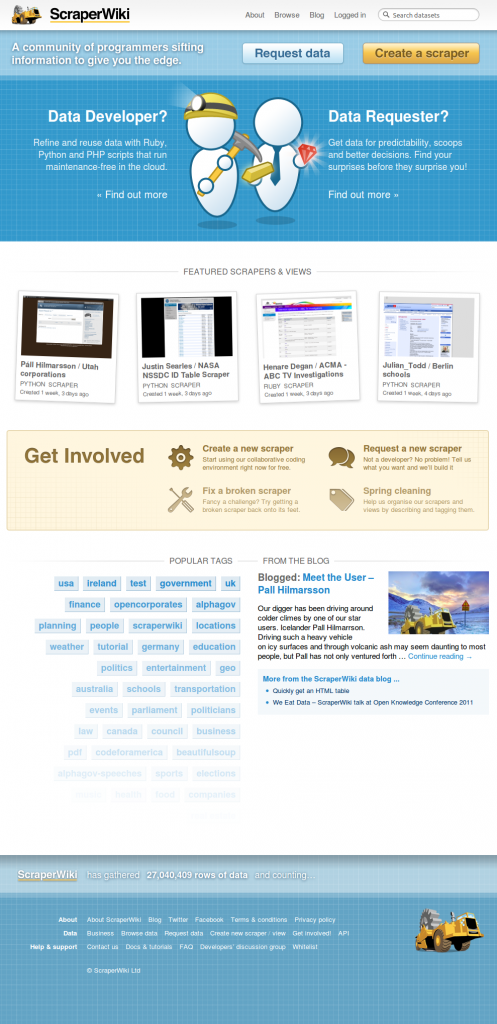
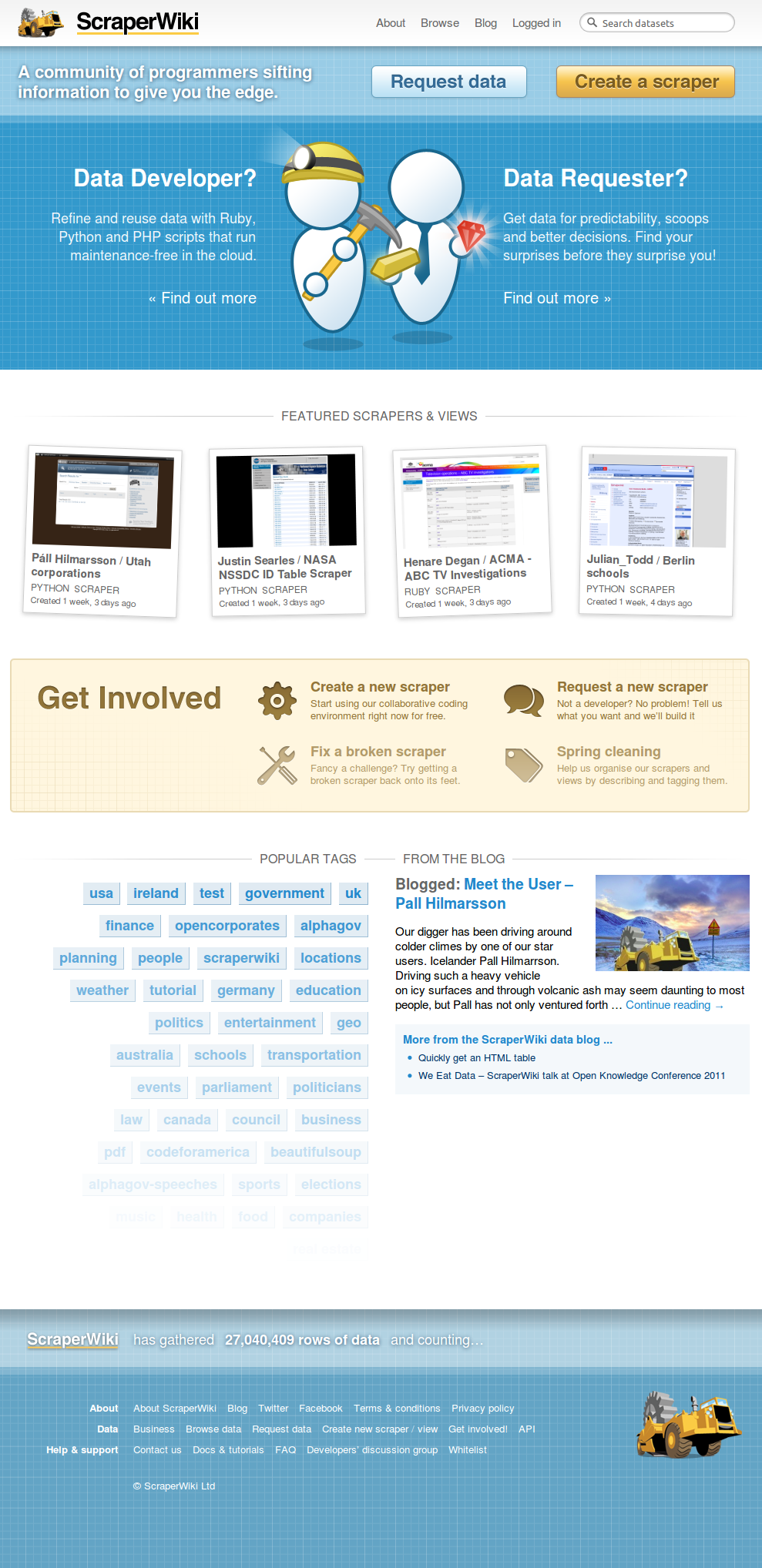
I wrote a guest post for ScraperWiki about our hackfest.
And I gave a talk at the hackfest:
and wrapped up the hackfest:
ScraperWiki also featured my ACMA scraper a while back (I must get back to that project):
subscribe via RSS